SEO Report Template: What to Include (Free Google Sheet Download)
Learn what to include in a monthly SEO report, what to leave out, and how to present it to a client. Includes a free SEO report template (Google Sheet) you can copy and use.
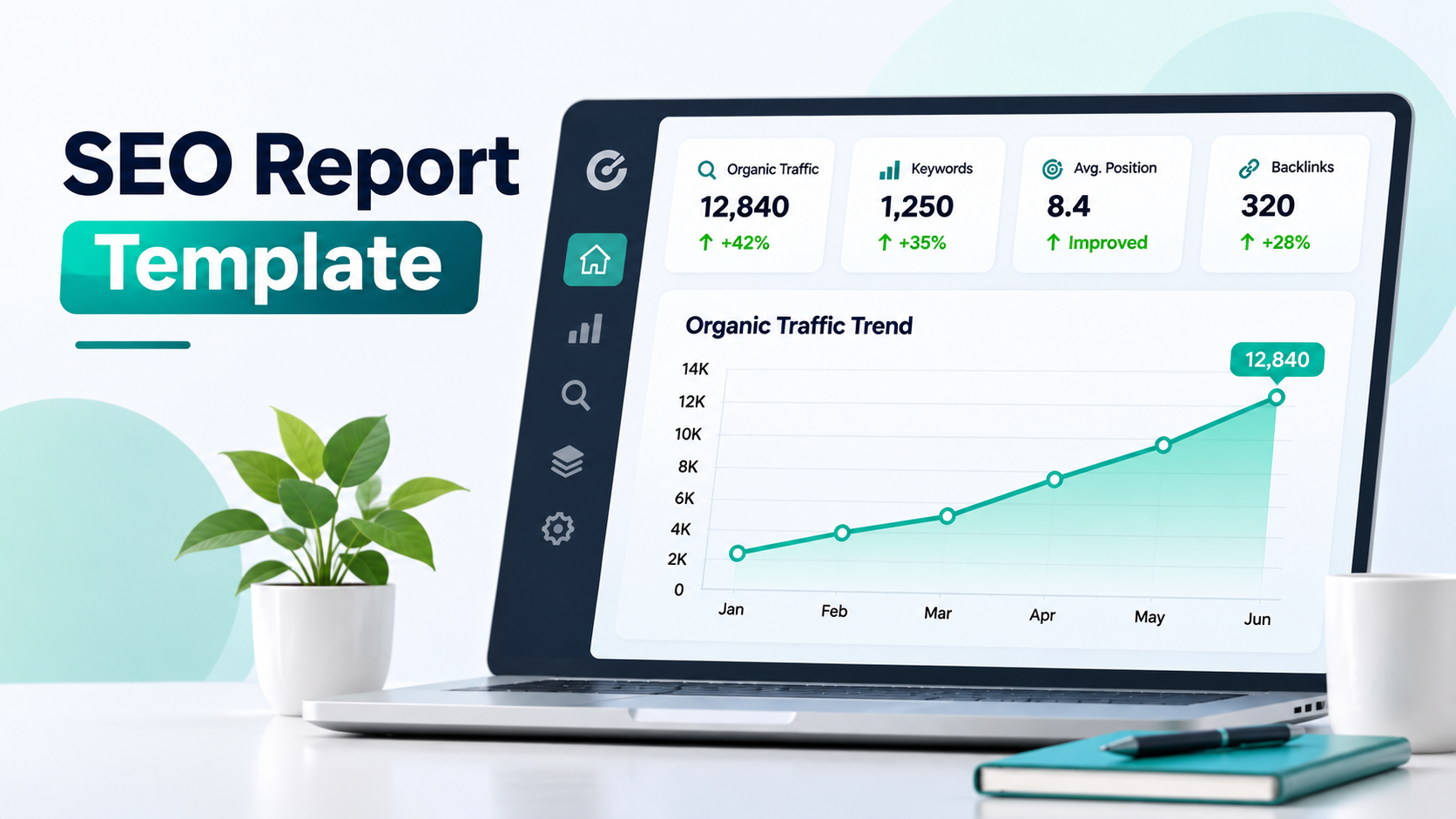
This guide shows what to include in a monthly SEO report, which numbers to ignore, and how to present it so a business owner can act on it. At the end you can download a free SEO report template that you can copy and fill in.
Get the free SEO report template (Google Sheet)
What is an SEO report?
An SEO report is a regular summary of how your website performs in organic (unpaid) search. It shows how many people found you on Google, which pages and keywords brought them, and whether those visits turned into enquiries or sales. Good SEO reporting also tells you what to do next. A report that only lists numbers is a data dump, not a report.
Who is the report for?
Decide this first, because it changes everything you include.
Business owner or client: wants results in plain language. Leads, enquiries, sales and a short list of next steps.
Marketing manager: wants trends by page and keyword, plus the reasons behind them.
SEO or technical team: wants crawl, indexing and speed details.
If you report to a business owner, keep the first page to one screen: five numbers, one chart and three actions. Put the detail on later tabs.
What to include in an SEO report
1. Organic sessions and trend
Start with how many visits came from organic search this month, and compare them with last month and the same month last year. Seasonal businesses must look at the year-on-year number, otherwise a normal seasonal dip looks like a problem. Get this from Google Analytics 4 by filtering to the Organic Search channel.
2. Clicks, impressions and CTR from Google Search Console
Impressions tell you how often you appeared in Google. Clicks tell you how often people chose you. Click-through rate (CTR) is clicks divided by impressions. If a page has many impressions but a low CTR, your title or description is not convincing, and rewriting it is one of the quickest wins in SEO.
3. Leads, enquiries or sales from organic traffic
This is the number the owner cares about most. Track form submissions, calls, WhatsApp clicks or orders that start from organic search. Then work out the lead rate: leads divided by sessions. Traffic that never turns into enquiries is a content or offer problem, not just an SEO problem. If this is your situation, read why your website is not getting leads.
4. Keyword positions
Track a focused list of 20 to 40 keywords that match what you sell. Show the previous position, the current position and the change. Do not report hundreds of keywords. A short list you understand is more useful than a long list nobody reads. Also note how many keywords are on page one (positions 1 to 10).
5. Top pages
List the ten pages that bring the most clicks, with impressions, CTR and average position. For each page, write the next action: improve the title, add an FAQ, add internal links, or refresh old information. This table turns the report from a record into a to-do list.
6. Technical health
Check that your important pages are indexed, your sitemap is clean, your pages load fast on mobile, and there are no broken links. You do not need to explain every detail to a client. A simple Pass / Fix status for each check is enough, with a note on what you are fixing.
7. Backlinks
Report how many new websites linked to you and how many links you lost. Count linking domains, not total links, because ten links from one site are worth far less than ten links from ten different sites. Mention the best new link, not only the total.
8. What you did and what comes next
List what was completed this month (pages published, pages updated, issues fixed) and the three to five actions planned for next month, each tied to a number it should improve. This is the part clients value most, because it shows the work is planned, not random.
What to leave out
Vanity metrics on their own: total impressions or a third-party "authority score" mean little unless you connect them to clicks and leads.
Hundreds of keywords: they hide the few that matter.
Raw screenshots with no comment: every chart needs one sentence saying what it means.
Jargon: write "people who found us on Google" instead of "organic impressions" in the summary.
A simple SEO report structure
Section | What it shows | Main source |
|---|---|---|
Summary | Sessions, clicks, impressions, leads, and change vs last month | GA4 and Search Console |
Keywords | Previous and current position, with up or down status | Search Console or a rank tracker |
Top pages | Clicks, CTR, position and a next action for each page | Search Console |
Technical | Indexing, speed, mobile, links, schema: Pass or Fix | Search Console and a crawler |
Backlinks | New and lost linking domains | Search Console Links report |
Actions | What happens next month, who does it and when | Your plan |
How to use the free SEO report template
The template follows the structure above. It is a Google Sheet with six tabs. To use it:
Open the template and choose File, then Make a copy so you have your own editable version.
On the Summary tab, type your monthly numbers into the yellow cells. CTR, lead rate and the change from last month are calculated for you, and a chart updates automatically.
On the Keywords tab, add your target keywords with their previous and current position. The sheet marks each one Up, Down, Same or New.
On the Top Pages tab, paste your best pages from Search Console and write one next action for each.
Go through the Technical checklist and mark each item Pass or Fix. The sheet counts them and gives you a score.
Track Backlinks once a month, and finish with the Actions tab for next month.
Each month, copy the tab or add a new row, so you build a history. After three or four months you can see real trends instead of one-off spikes.
How to present the report to a client or your boss
Start with the answer. One or two sentences: "Organic visits are up, and enquiries from Google doubled. Here is why."
Explain the cause. Link every change to something you did, or something outside your control, like a Google update or a seasonal change.
Be honest about drops. A fall in traffic with a clear reason and a plan builds more trust than a report that hides it.
End with next steps. Three to five actions, each with an owner and a date.
How often should you send an SEO report?
Monthly is right for most businesses. SEO changes slowly, so weekly reports mostly show noise. Check Search Console weekly for problems such as sudden drops or indexing errors, but report to stakeholders once a month, with a quarterly look at the bigger picture. If you are working with an agency, a monthly report like this is also a good way to judge them. See how to choose an SEO company for what else to check.
Common SEO reporting mistakes
Reporting rankings without traffic or leads.
Changing the metrics every month, so nothing can be compared.
Comparing a seasonal month with the previous month instead of the same month last year.
Including data you cannot explain or act on.
Skipping the next-steps section.
Final Thoughts
A useful SEO report is short, honest and tied to business results. Show what changed, explain why, and say what happens next. Use the free template to build the habit, and keep the same metrics every month so your trends mean something.
Need help with the work behind the numbers? Our team offers SEO services for businesses in India and abroad, with a clear monthly report. You can also read our local SEO guide if most of your customers are nearby.
Frequently asked questions
At minimum: organic sessions, clicks, impressions and CTR, leads from organic search, keyword positions, top pages, technical health, backlinks, and a plan for next month.
One page for the summary, with detail on later tabs. If the owner cannot understand the main message in five minutes, shorten it.
Google Search Console and Google Analytics 4 are free and cover most of what you need. A crawler such as Screaming Frog (free for small sites) helps with technical checks. Paid tools are optional.
A good template is simple, repeatable and links every number to an action. The free template above does this with six tabs and built-in formulas.
Monthly for most businesses. Review Search Console weekly for urgent problems.
It varies by site, competition and how much work is done. Many sites see early movement in impressions and positions within a few months, while leads usually follow later. For more on comparing SEO with paid ads, read SEO vs Google Ads ROI.