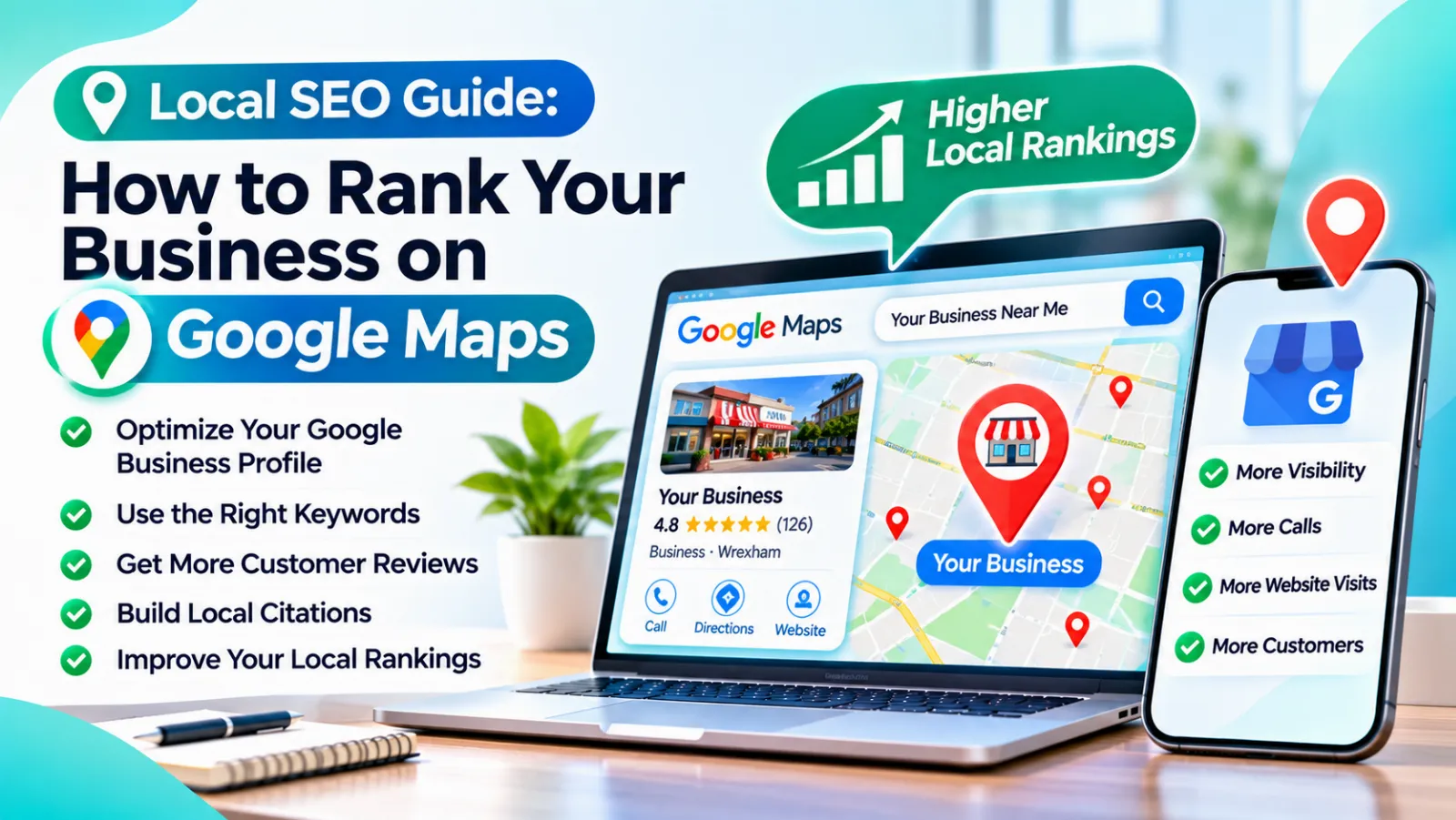
Local SEO Guide: How to Rank Your Business on Google Maps
Learn how to rank your business on Google Maps with this local SEO guide. Optimize your Google Business Profile, collect reviews, fix citations, and improve your website to get more calls, visits, and customers from people nearby.
That’s the thing about local SEO. It isn’t always about who’s best. It’s about who Google can find, trust, and confidently recommend to someone nearby. The good news is that you can influence all three.
This guide explains how Google Maps ranking works and the practical steps you can take to show up when local customers are searching.
What Is Local SEO?
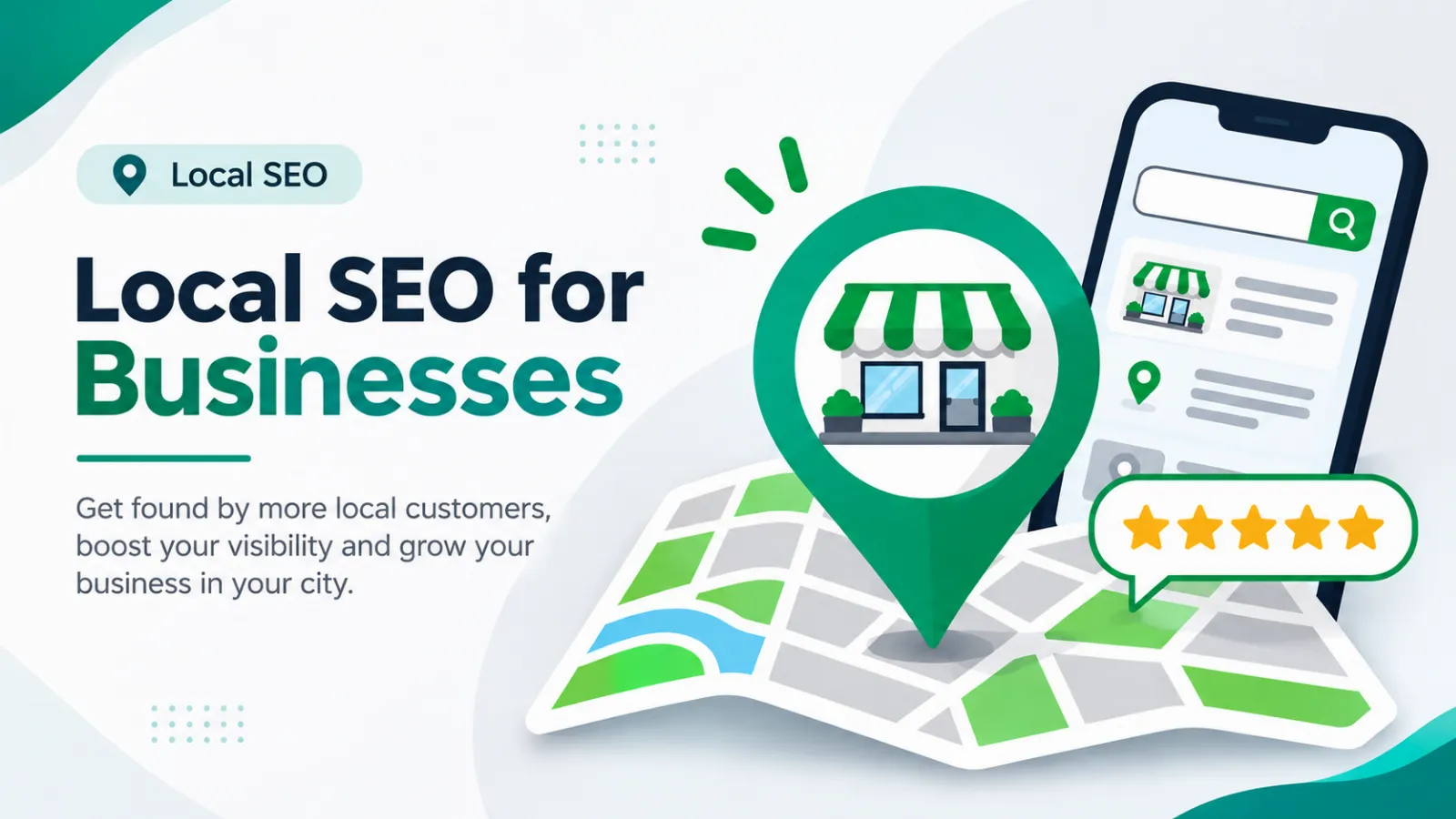
Local SEO is the process of helping your business appear in search results for people in your area. When someone searches “dentist in Lucknow” or “best AC repair near me,” Google usually shows a map with three businesses at the top, followed by regular results. That top group is often called the local pack, and it gets a huge share of the clicks and calls.
Regular SEO helps you rank anywhere. Local SEO helps you rank where your customers actually are.
How Google Decides Who Ranks on Maps
Google has said that local results are mainly based on three factors:
- Relevance: How well your profile matches what the person searched for.
- Distance: How close your business is to the searcher or the area they mentioned.
- Prominence: How well known and trusted your business is, based on reviews, links, mentions, and overall online presence.
You can’t change where your shop is, but you can improve relevance and prominence a lot. That’s where most of the work lies.
Step 1: Claim and Fully Optimize Your Google Business Profile
Your Google Business Profile is the single most important piece of local SEO. If you haven’t claimed it yet, do that first. If you have, make sure it’s complete.
Here’s what to fill in:
- Business name: Use your real name exactly as it appears in real life. Stuffing keywords into it can get your profile suspended.
- Primary category: Pick the one that best describes your main service. This is one of the strongest ranking signals.
- Secondary categories: Add other relevant ones, but only if they truly apply.
- Address and service area: Be accurate. If you travel to customers, set your service areas clearly.
- Phone number and website: Use a number you actually answer.
- Opening hours: Keep them updated, including holidays.
- Services and products: List what you offer with short, clear descriptions.
- Business description: Explain what you do and who you serve in plain language.
Most businesses leave half of this blank. Completing everything is one of the easiest wins available.
Step 2: Add Real Photos and Videos
Profiles with good photos tend to get more engagement. Upload pictures of your storefront, interior, team, products, and finished work. Use real images, not stock photos.
Add new photos regularly. It shows the business is active, and it gives customers a clearer idea of what to expect before they visit or call.
Step 3: Get More Reviews (And Respond to All of Them)
Reviews influence both rankings and trust. People often pick the business with stronger reviews even if it’s slightly farther away.
Make asking part of your routine:
- Send a direct review link by WhatsApp, SMS, or email right after a job
- Ask in person when a customer says thank you
- Keep the process simple, with as few clicks as possible
A few important rules. Never buy fake reviews, and don’t offer rewards in exchange for positive ones, since this goes against Google’s policies. Always reply to reviews. Thank happy customers, and answer negative ones calmly and professionally. A thoughtful reply to a bad review can actually build trust.
Step 4: Keep Your NAP Consistent
NAP stands for Name, Address, and Phone number. These details should be identical everywhere your business appears: your website, Google profile, social media, and online directories.
Small differences, like “Street” in one place and “St.” in another, or an old phone number on a directory, can confuse Google about which information is correct. Do a quick audit and fix any mismatches.
Step 5: Build Local Citations
A citation is any online mention of your business details, usually in a directory. Think of platforms like Justdial, Sulekha, IndiaMART, Yelp, and industry-specific directories. Pick reputable ones that fit your industry and location.
Quality beats quantity here. A handful of accurate listings on trusted sites is better than hundreds on random, low-quality directories.
Step 6: Optimize Your Website for Local Search
Your website supports your map ranking, so it needs to send clear local signals. Make sure it includes:
- Your city or area in key places like page titles, headings, and service descriptions
- A dedicated page for each service you offer
- Separate location pages if you serve multiple areas
- Your NAP details in the footer or contact page
- An embedded Google Map on your contact page
- Fast loading and a smooth mobile experience
Many local searches happen on phones, so mobile-friendliness isn’t optional. If you want expert help making your site work harder for local searches, you can see how GlanceTechy’s SEO services support businesses that want to be found in their area.
Step 7: Post Updates on Your Profile
Google Business Profile lets you share updates, offers, and events. Posting regularly shows that your business is active and gives customers a reason to choose you.
Share a seasonal offer, a new service, a recent project, or an upcoming event. Keep posts short, clear, and include a call to action like “Call now” or “Book today.”
Step 8: Use the Q&A and Messaging Features Wisely
Customers can ask questions directly on your profile. Check it often and answer promptly. You can also seed it by adding common questions and answering them yourself, such as parking, pricing, or opening hours.
If you turn on messaging, make sure someone replies quickly. A slow response can cost you the lead.
Step 9: Earn Local Links and Mentions
Backlinks from local sources boost your prominence. Ways to earn them include:
- Sponsoring a local event or sports team
- Joining your local chamber of commerce or business association
- Getting featured in local news or blogs
- Partnering with nearby businesses for cross-promotion
- Publishing useful community-focused content
These links signal to Google that real people and organizations in your area trust you.
Step 10: Track Your Results
You can’t improve what you don’t measure. Use your Google Business Profile insights to see how many people searched for you, called, asked for directions, or visited your website.
Also check where you rank for your main keywords from different locations around your area. Rankings can vary from one street to the next, so don’t rely on a single search from your own phone.
Common Local SEO Mistakes to Avoid
- Stuffing keywords into your business name
- Using a fake address or virtual office to appear in another city
- Ignoring negative reviews
- Having inconsistent business information online
- Creating duplicate profiles for the same location
- Setting up your profile once and never touching it again
Some of these can lead to suspension, which is much harder to fix than it is to avoid.
How Long Does Google Maps Ranking Take?
There’s no fixed timeline. Small improvements, like fixing your profile or adding photos, can show effects within weeks. Building reviews, citations, and authority usually takes a few months. Competitive areas take longer.
Think of local SEO as steady maintenance rather than a one-time project. The businesses that keep reviews coming in and profiles updated usually pull ahead over time.
Should You Do It Yourself or Hire Help?
Many of these steps are easy to handle on your own, especially in the beginning. But if you’re busy running your business, competing in a crowded market, or not seeing movement after a few months, expert help can speed things up and prevent costly mistakes.
If you’d like a team to take care of it for you, you can learn more about GlanceTechy and how we help local businesses grow online.
Final Thoughts
Ranking on Google Maps isn’t about tricks. It comes down to a complete Google Business Profile, honest reviews, consistent information, a helpful website, and steady activity over time.
Start with the basics this week: claim your profile, fill in every field, add photos, and ask your next five happy customers for reviews. Small, consistent steps add up, and before long, you could be the business showing up when someone nearby searches for exactly what you offer.