Conversion Rate Optimization (CRO): The Complete Guide and Checklist
What is conversion rate optimization (CRO)? Learn how to calculate your conversion rate, what to fix on your website, how to test changes, and use a simple checklist to get more enquiries.
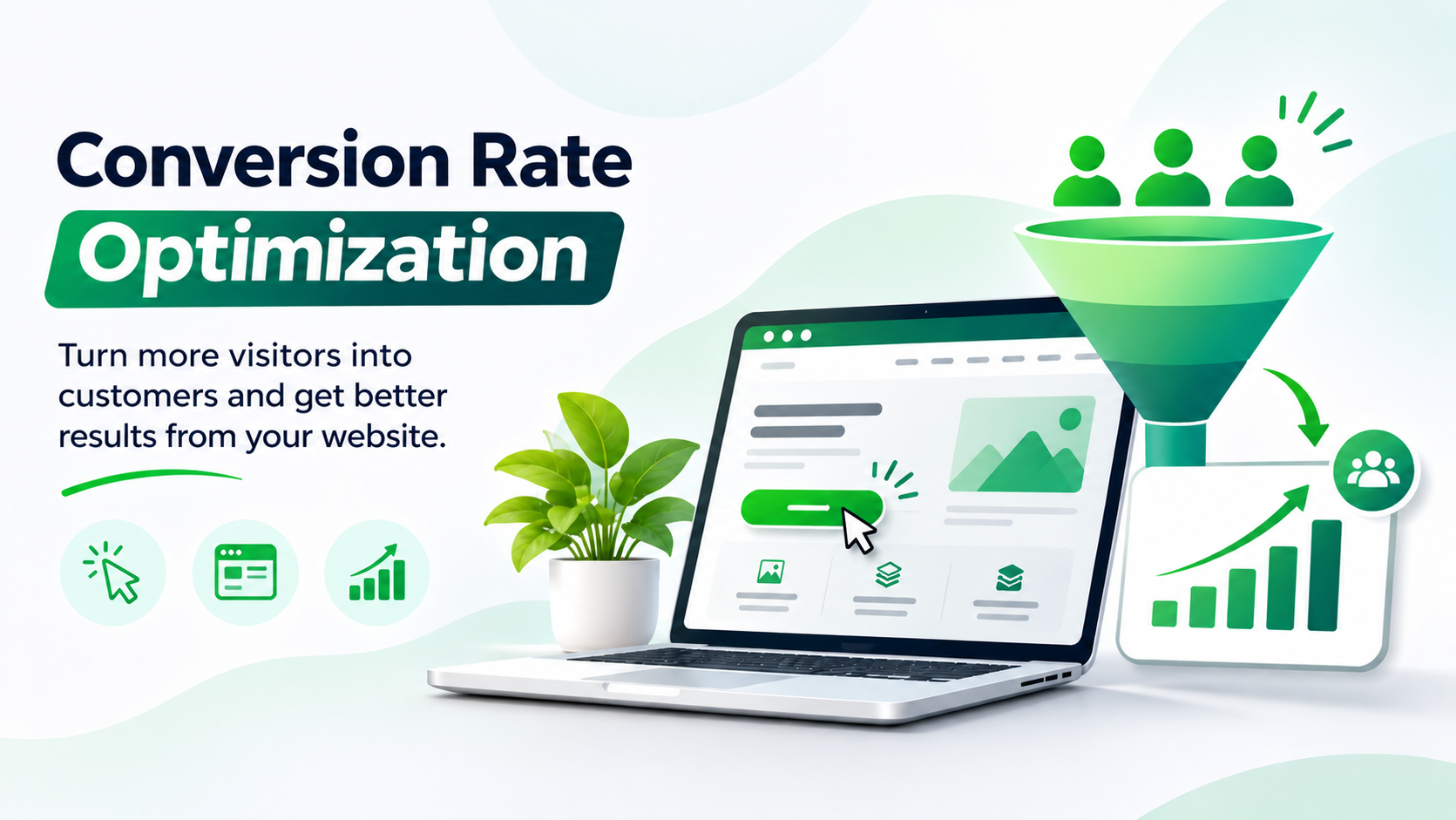
This guide explains what CRO is, how to calculate your conversion rate, what to change on your website, how to test changes safely, and a checklist you can use today.
What is conversion rate optimization (CRO)?
Conversion rate optimization is the process of improving your website or landing page so a higher share of visitors do what you want: call you, fill a form, message you on WhatsApp, book a demo or buy a product. Each of these actions is called a conversion.
CRO is not about tricks. It is about understanding why visitors leave and removing the reasons: unclear messages, slow pages, hard forms, missing proof, or a weak call to action.
How to calculate conversion rate
The formula is simple:
Conversion rate = (number of conversions / number of visitors) x 100
For example, if 2,000 people visit your website in a month and 40 of them send an enquiry, your conversion rate is 2%. If you improve it to 3% without any extra traffic, you get 60 enquiries instead of 40. That is 50% more leads from the same visitors.
A few points to remember:
Measure each goal separately: form submissions, calls, WhatsApp clicks and purchases are different conversions.
Measure by traffic source. Visitors from Google Ads, SEO and social media behave differently.
There is no universal "good" conversion rate. It depends on your industry, price, offer and traffic quality. Compare yourself with your own past numbers first.
Why CRO matters
It makes every marketing rupee work harder. If your ads or SEO bring visitors who leave without acting, a better page lowers your cost per enquiry.
It is cheaper than buying more traffic. Fixing a page once keeps helping every future visitor.
It shows what customers want. Tests and recordings tell you what confuses people, which also improves your marketing and sales.
Step 1: Set up tracking first
You cannot improve what you do not measure. Before changing anything:
Set up Google Analytics 4 and mark your important actions (form submit, call click, WhatsApp click, purchase) as key events.
Connect Google Search Console so you can see which pages get search traffic.
Add a free heatmap and session recording tool, such as Microsoft Clarity, to see where visitors click, scroll and get stuck.
Note your current conversion rate for each key page. This is your baseline.
If you also run Google Ads, check that conversions are tracked there too. Read our Google Ads guide for small businesses for the setup basics.
Step 2: Find where visitors drop off
Start with the pages that matter most: your home page, your main service or product pages, your contact page and your landing pages for ads. Look for:
Pages with many visitors but few conversions.
Pages where most visitors leave after a few seconds.
Steps in a form or checkout where people stop.
Big differences between mobile and desktop. Many small-business sites convert badly on phones.
The CRO checklist: what to improve
1. A clear headline and offer
Within five seconds, a visitor should know what you do, who it is for and what to do next. Replace vague headlines like "Welcome to our website" with a clear benefit, such as "Fast, affordable AC repair in Lucknow. Same-day visits." Put the main message at the top of the page, not below a large image.
2. One clear call to action
Every page needs one main action. Use specific button text such as "Get a free quote" or "Book a call" instead of "Submit". Repeat the same call to action further down the page, and keep it visible on mobile.
3. Page speed and mobile experience
Slow pages lose visitors before they read a word. Compress images, remove unused scripts and test the page on a real phone. Buttons should be easy to tap, and text should be readable without zooming. If your site needs a rebuild, see our website design services.
4. Trust signals
People hesitate to contact a business they do not know. Add real customer reviews, client logos you have permission to show, case studies, your address and phone number, and clear information about who you are. Only use real testimonials, never made-up ones.
5. Shorter, easier forms
Each extra form field lowers the chance someone finishes it. Ask only for what you need to reply, usually name, phone or email, and a short message. Show a short line after the button explaining what happens next, such as "We reply within one working day".
6. Easy ways to contact you
Not everyone wants to fill a form. Add a tap-to-call button and a WhatsApp link, especially for local service businesses. Make sure they work on mobile.
7. Answer objections with FAQs
Visitors leave when a question is left unanswered: price, time, guarantees, process. Add a short FAQ section to key pages and answer these questions directly.
8. Remove distractions
On landing pages, remove extra menus and links that take people away from the action. Keep the page focused on one goal.
9. Message match
If your ad says "Free SEO audit", the page it opens should also say "Free SEO audit" in the headline. A mismatch between the ad or search result and the page makes people leave.
10. Follow up quickly
A lead you reply to in minutes is more likely to buy than one you reply to the next day. Send an automatic confirmation message and set a rule to call new leads fast. This is part of getting results from your marketing. See our lead generation strategies for service businesses.
Step 3: Test your changes
Do not change ten things at once and guess what worked. Use this simple approach:
Write a hypothesis: "If we shorten the form from six fields to three, more visitors will submit it."
Change one main thing and keep everything else the same.
Run the test long enough to collect a fair number of visitors and conversions, usually several weeks for a small site. Ending too early gives false winners.
Compare against your baseline and keep the change only if it clearly helps.
Write down the result, win or lose, so you learn over time.
An A/B test shows two versions of a page to different visitors and compares results. It needs enough traffic to be reliable. If your site has low traffic, you can still make clear improvements from the checklist above and measure before and after, rather than running formal tests.
Tools that help with CRO
Google Analytics 4: traffic, key events and conversion rates.
Google Search Console: which searches and pages bring visitors.
Microsoft Clarity: free heatmaps and session recordings.
PageSpeed Insights: checks page speed and mobile performance.
A/B testing tools: useful once your traffic is high enough to test reliably.
Common CRO mistakes
Copying a competitor without knowing if it works for your audience.
Testing tiny details, such as button colour, before fixing the message and offer.
Stopping a test after a few days.
Ignoring mobile visitors.
Judging success by traffic alone, not by enquiries and sales.
Making changes without recording the starting numbers.
If you are not sure why your site is not bringing enquiries, start with our article on why your website is not getting leads.
When to hire a CRO agency
You can do a lot yourself with the checklist above. Consider an agency when you spend meaningfully on ads or SEO and conversions stay low, when you lack the time to analyse data, or when you want expert testing and design. A good agency starts with your data, explains its plan in plain language and reports on conversions, not only traffic. Our performance marketing service focuses on turning traffic into leads. To judge any provider, read how to choose a digital marketing agency.
Frequently asked questions
What is a good conversion rate?
It depends on your industry, offer, price and traffic source, so there is no single number. Track your own rate over time and work to improve it. A high-intent source such as Google search usually converts better than social media browsing.
How long does CRO take to show results?
Simple fixes, such as a clearer headline or a shorter form, can show results within a few weeks. Proper testing takes longer, because you need enough visitors to be sure the result is real.
Is CRO the same as SEO?
No. SEO brings more visitors from search engines. CRO gets more of those visitors to take action. They work best together. Our SEO services bring the traffic and CRO helps convert it.
Do I need a lot of traffic for CRO?
For formal A/B tests, yes. For low-traffic sites, focus on clear improvements from the checklist, such as clearer messaging, faster pages and easier forms, and compare results before and after.
What should I fix first?
Start with tracking, then your most important page. Check the headline, the call to action, mobile experience and page speed. These usually give the biggest gains for the least effort.
How do I know if my conversion rate is low?
Compare it with your past results and your goals. If you get plenty of visitors but few enquiries, or if ads cost more per lead than they should, your conversion rate needs attention.
Final Thoughts
CRO is one of the most practical ways to grow without spending more on traffic. Set up tracking, find where visitors drop off, fix the basics on your key pages, then test one change at a time. Small improvements add up quickly.
Want a second pair of eyes on your website? Contact GlanceTechy and we will tell you honestly what is stopping your visitors from becoming customers.
Frequently asked questions
It depends on your industry, offer, price and traffic source, so there is no single number. Track your own rate over time and work to improve it. A high-intent source such as Google search usually converts better than social media browsing.
Simple fixes, such as a clearer headline or a shorter form, can show results within a few weeks. Proper testing takes longer, because you need enough visitors to be sure the result is real.
No. SEO brings more visitors from search engines. CRO gets more of those visitors to take action. They work best together. Our SEO services bring the traffic and CRO helps convert it.
For formal A/B tests, yes. For low-traffic sites, focus on clear improvements from the checklist, such as clearer messaging, faster pages and easier forms, and compare results before and after.
Start with tracking, then your most important page. Check the headline, the call to action, mobile experience and page speed. These usually give the biggest gains for the least effort.
Compare it with your past results and your goals. If you get plenty of visitors but few enquiries, or if ads cost more per lead than they should, your conversion rate needs attention.