Why Is My Website Not Showing on Google? 9 Reasons and Fixes
Website not showing on Google? Here are the 9 most common reasons, how to check each one yourself and what to fix first.
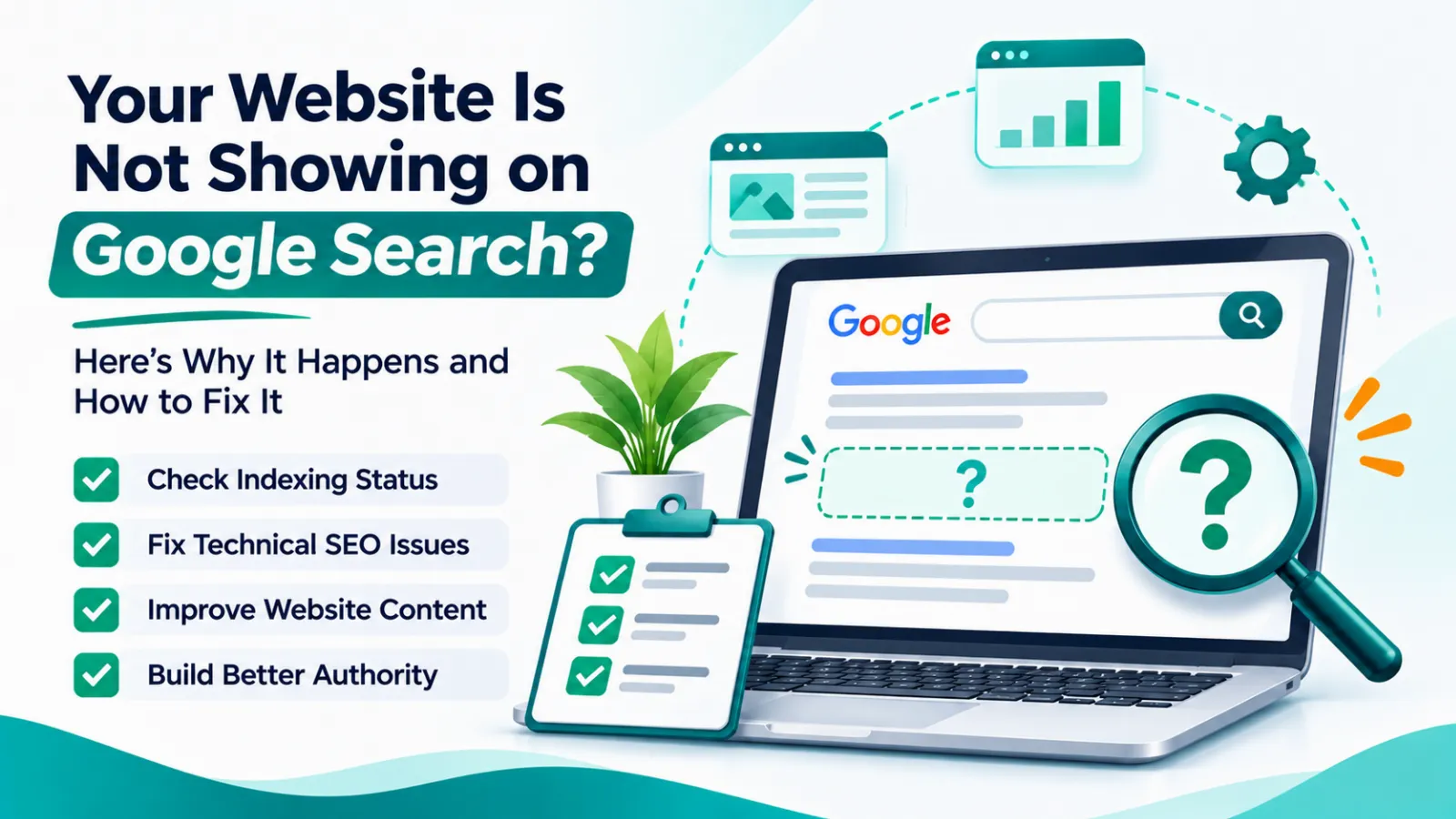
The good news is that this is usually fixable. In most cases the reason is one of nine common problems. This guide explains each one in plain language, shows you how to check it yourself, and tells you what to do next.
First, check if your website is on Google at all
There is a big difference between "my website is not on Google" and "my website is on Google but does not rank well". They have different causes, so check which one applies to you.
Type site:glancetechy.com into Google, with your own address, and press search.
If you see results: Google knows your website. The problem is ranking, and reasons 4 to 9 below matter most.
If you see nothing: Google has not indexed your website yet, or something is blocking it. Reasons 1 to 3 matter most.
For a more reliable answer, open Google Search Console (it is free) and paste your page address into the search bar at the top. It tells you whether that page is on Google and, if not, why.
9 reasons your website is not showing on Google
1. Your website is too new
A brand new website is not found instantly. Google has to discover it, visit it and decide what to do with it. This can take from a few days to a few weeks. If your website is only a few days old, the first step is to be patient and make sure Google can find it.
What to do
Add your website to Google Search Console, submit your sitemap and use the "Request indexing" option for your main pages.
2. Google is being told not to show it
Sometimes a website is hidden by mistake. This happens more often than you would think, especially after a redesign. Developers often block Google while building a website, and the block is never removed.
What to check
In WordPress, go to Settings, then Reading, and make sure "Discourage search engines from indexing this site" is not ticked.
Check for a "noindex" tag on your pages.
Open yourwebsite.com/robots.txt and make sure it does not say "Disallow: /" for everything.
3. Google cannot find or read your pages
If your website has no sitemap, no links between pages, or pages that load only through heavy scripts, Google may miss them. Pages that no other page links to are especially easy to miss.
What to do
Create and submit a sitemap, link your important pages from your menu and homepage, and check the "Pages" report in Search Console for errors.
4. Your pages do not match what people search for
This is the most common reason for a website that is on Google but does not rank. If your pages never mention the words customers actually type, Google has no reason to show them for those searches.
For example, a page that says "We provide holistic solutions for your growth journey" tells Google very little. A page that says "Website design for small businesses in Lucknow" is clear about what it offers and where.
What to do
Decide what one main search each page should answer. Use that wording in the page title, the main heading and the first paragraph, in a natural way.
5. Your content is thin or copied
A page with two lines of text, or content copied from another website or from a manufacturer's description, rarely ranks. Google prefers pages that are useful and written for the reader.
What to do
Write original, helpful content. Explain what you offer, who it is for, how it works, what it costs or how pricing works, and answer the questions customers ask you on calls.
6. Your competitors are much stronger
Some searches are crowded. If you sell something very common in a big city, you are competing with businesses that have had websites for years. Ranking for "digital marketing agency" is very different from ranking for "digital marketing agency for dentists in Lucknow".
What to do
Start with narrower searches that include your service, your location or your type of customer. As your website grows stronger, move on to bigger searches.
7. Your website is slow or hard to use on a phone
Most people in India search on their phones. If your website takes a long time to load, has text that is too small or buttons that are hard to tap, visitors leave, and Google notices how people experience your pages.
What to check
Open your website on your phone using mobile data, not Wi-Fi.
Test your main pages with Google PageSpeed Insights.
Compress large images, which are the most common cause of slow pages.
8. You have no local signals (for local businesses)
If you serve customers in a particular city, Google also looks at your Google Business Profile, your reviews and whether your name, address and phone number are consistent across the web. Without a Business Profile, you will struggle to appear in "near me" results and on the map.
What to do
Create and fully fill in your Google Business Profile, add your correct address and hours, collect genuine reviews from customers and keep your details the same everywhere. Our local SEO checklist covers this step by step.
9. Few other websites link to you
Links from other relevant websites act like recommendations. A website with none, especially in a competitive area, finds it harder to rank than one that has earned some. This matters less at the start, but becomes important over time.
What to do
Focus on genuine links: business directories, local listings, partners, suppliers, industry websites and content that others want to share. Avoid buying links in bulk, because it can harm your website.
A quick checklist to find your problem
What you see | Most likely cause | Where to look |
|---|---|---|
site: search shows nothing | Not indexed, or blocked | Search Console, robots.txt, noindex, WordPress reading setting |
Some pages show, others do not | Weak links or thin pages | Search Console "Pages" report |
Website shows, but only on page 5 or later | Content, competition or authority | Page titles, content quality, links |
Shows by name, not by service | Pages do not target service searches | Page titles and headings |
Does not show on the map | No or weak Business Profile | Google Business Profile |
How long does it take to fix?
It depends on the cause. Removing an accidental block can fix an indexing problem within days. Improving content, speed and local signals usually takes a few weeks to start showing, and ranking well in a competitive area can take several months. Anyone who promises a guaranteed first-page ranking by a fixed date is not being honest, because Google decides the results, not an agency.
Mistakes that make the problem worse
Changing page titles and URLs again and again, which confuses Google.
Stuffing the same keyword into every sentence.
Buying cheap bulk links or "guaranteed ranking" packages.
Copying content from competitors.
Giving up after two weeks, when SEO takes longer than that to show.
When to ask for help
You can check most of the points above yourself in an afternoon. If you have done that and still cannot find the cause, or you simply do not have the time, a proper website check can find it faster. It usually covers indexing, page titles, content, speed, mobile use and local setup in one pass.
At GlanceTechy we do this for businesses in India and abroad. We tell you what is wrong, what to fix first and what we would not bother with. You can read about our SEO service or send us your website and we will take a look.
If you are also wondering whether ads would be quicker while you fix this, read our guide on Google Ads vs SEO for small businesses in India.
Frequently asked questions
Common reasons are that it is too new, it is blocked from search engines by mistake, Google cannot find its pages, or its content does not match what people search for. Checking Google Search Console shows which one applies.
Type site:yourwebsite.com into Google. If nothing appears, your website is not indexed. For a clearer answer, paste a page address into the search bar of Google Search Console.
It can take from a few days to a few weeks to be found. Ranking well takes longer and depends on your competition and content.
Google knows your website, but your pages do not clearly target service searches. Use the words customers type in your titles, headings and content, and add your location if you serve a local area.
Yes, through Google Ads, which shows your ad at the top of results while you pay. It does not replace SEO, which brings visitors without paying for each click.
Yes. Slow or hard to use pages make visitors leave and can hold back your results, especially on mobile. Compress images and test your pages with PageSpeed Insights.
You can check the basics yourself. If you cannot find the cause or do not have time, a proper website check can find the problem faster. Avoid anyone who guarantees a first-page ranking.